 crypto.com
Crypto.com: App and Exchange trading, payments, and wallet custody
Crypto.com combines App purchases, Exchange trading, merchant payments, and a separate self-custody wallet for managing cryptocurrency. The App brings buying, selling, and eligible rewards products into an account-based service. The Exchange adds order-book trading, where orders meet other orders at available prices. Regional card programs support spending, while Crypto.com Pay handles cryptocurrency checkout at participating merchants. The Onchain wallet gives its holder control of private keys, which authorize blockchain transactions. These products have different funding methods, costs, and access requirements. Choosing a service starts with the intended task: buying an asset, placing an order, spending a balance, or using crypto outside a custodial account.
App, Exchange, and wallet connections
The App and Exchange share transfer connections, while the Onchain wallet has a separate custody model with keys that its holder controls.
Verified Exchange users can also deposit supported cryptocurrency from their own external wallets without an App account. An internal App-to-Exchange transfer requires accounts linked to the same identity and an asset that both platforms support. The available balance must meet the minimum that the transfer screen displays. This connection moves cryptocurrency between account balances without selling it. The standard transfer carries no transfer fee. A transfer can trigger recovery of an active deposit bonus if it occurs during the campaign’s lock-in period and lowers the App balance below its required threshold. Linking the Onchain wallet to the App creates another transfer connection; it leaves the wallet’s private-key ownership with its holder.
App purchases and cash funding
App buying centers on a purchase quote, with cash balances or supported payment cards providing funding where those methods are available. The quoted crypto quantity, payment amount, and any displayed charge describe the purchase. A market-price chart does not promise that the next purchase will use that exact price. Buying and selling quotes can differ, so an immediate sale may return less cash even before the market moves. Payment-method charges also depend on the account’s jurisdiction and chosen funding method.
Cash accounts support bank deposits, cryptocurrency purchases, sales into cash, and bank withdrawals in their supported currencies. Cash balances can also fund eligible card top-ups and Recurring Buy purchases. The available currency and bank-transfer method follow local account requirements. For US ACH deposits, the transfer must come directly from a bank account under the customer’s own name. The App also includes regional limit-order features and Crypto Basket, which groups several cryptocurrencies into a purchase. These features broaden its trading options without making every App transaction an Exchange order.
How does Exchange trading differ from an App purchase?
Exchange trading places orders against an order book, so execution depends on available counterparties and the price conditions that each order specifies. A market order takes the best available prices and can fill across several price levels. The Exchange cancels any unfilled remainder of a market order. A sell limit order sets the minimum acceptable sale price, while a buy limit order sets the maximum purchase price. Available matching orders determine whether the requested quantity fills. The Exchange also offers margin and derivatives products where account eligibility and jurisdiction allow them; these introduce borrowing or contract exposure beyond ordinary spot trading. Insufficient collateral can lead to forced liquidation of leveraged positions.
In a hypothetical case, an App holder wants to sell a cryptocurrency at a chosen minimum price through the Exchange. Assume both accounts share the same identity, both support the asset, and the available balance meets the transfer minimum.
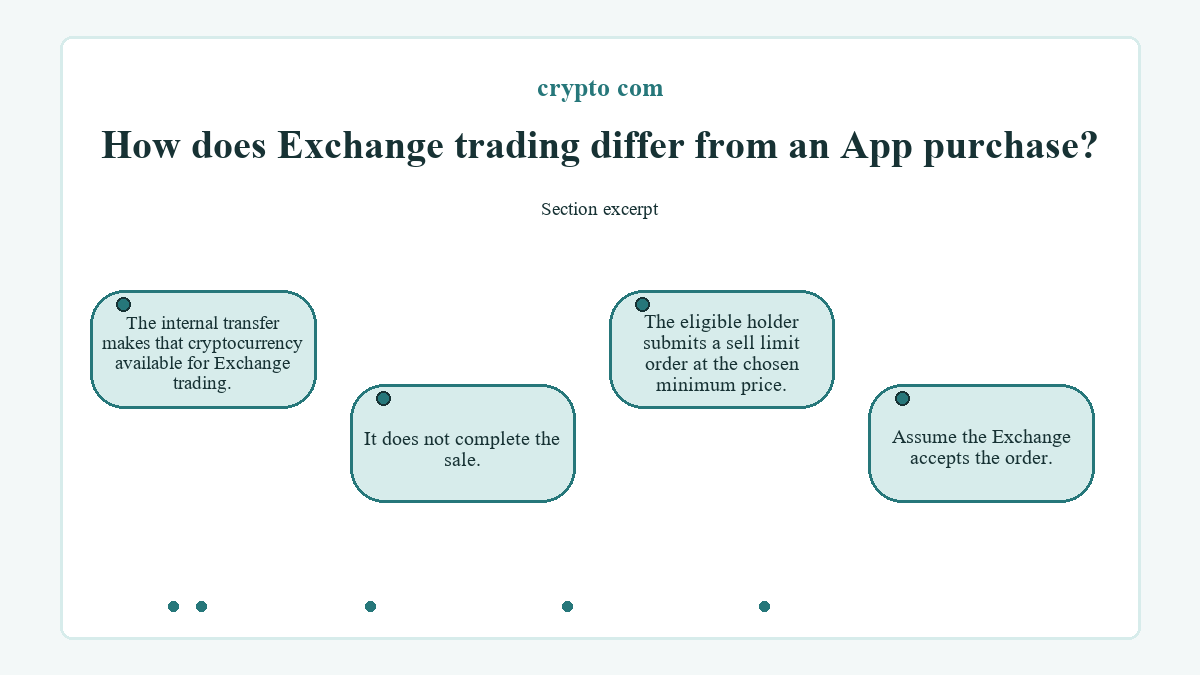
The internal transfer makes that cryptocurrency available for Exchange trading. It does not complete the sale. The eligible holder submits a sell limit order at the chosen minimum price. Assume the Exchange accepts the order.
In this case, no available buy order meets the chosen limit, so the order remains open and the cryptocurrency remains unsold. A later qualifying match could fill some or all of it. The transfer connection supplies the balance; the order book determines execution, subject to the account’s trading eligibility.
Purchase quotes, trading fees, and withdrawal costs
Costs attach to different activities: funding a purchase, executing a trade, moving crypto externally, or using a card. The Exchange’s spot fee schedule uses trading volume over the previous 30 days, with eligible CRO balances affecting fee benefits. CRO is the Cronos token used in several platform programs. The applicable market and account tier determine the relevant schedule; a card reward or App promotion does not automatically determine Exchange fees. Fee schedules and promotional conditions can change, so the account’s displayed charges govern the transaction.
Exchange market orders incur taker fees. A limit order can also incur taker fees when it immediately matches an existing order. An order that adds liquidity to the book has maker treatment for the portion that later trades as a maker. External crypto withdrawals have a separate fee and minimum amount. The supported network affects those conditions. A free internal transfer therefore does not establish the cost of sending the same asset to an outside wallet.
Card spending, merchant crypto checkout, and NFT sales
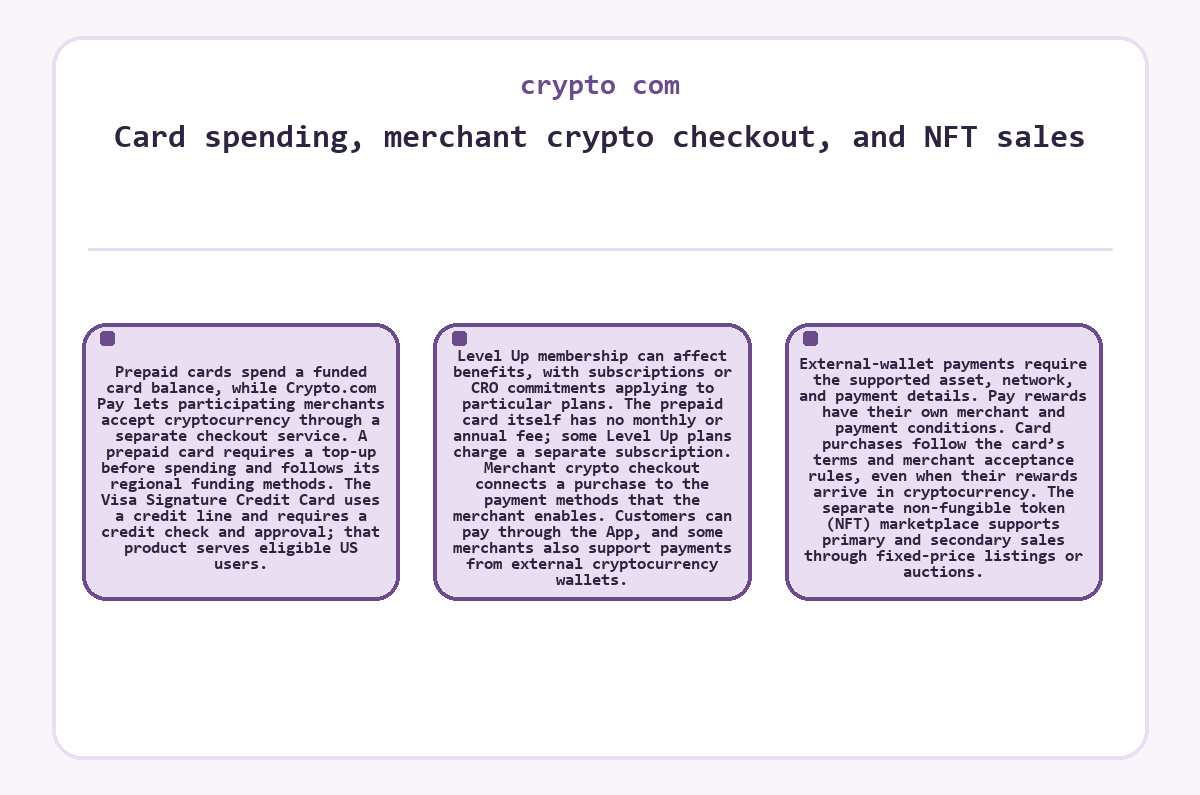
Prepaid cards spend a funded card balance, while Crypto.com Pay lets participating merchants accept cryptocurrency through a separate checkout service. A prepaid card requires a top-up before spending and follows its regional funding methods. The Visa Signature Credit Card uses a credit line and requires a credit check and approval; that product serves eligible US users. Level Up membership can affect benefits, with subscriptions or CRO commitments applying to particular plans. The prepaid card itself has no monthly or annual fee; some Level Up plans charge a separate subscription.
Merchant crypto checkout connects a purchase to the payment methods that the merchant enables. Customers can pay through the App, and some merchants also support payments from external cryptocurrency wallets. External-wallet payments require the supported asset, network, and payment details. Pay rewards have their own merchant and payment conditions. Card purchases follow the card’s terms and merchant acceptance rules, even when their rewards arrive in cryptocurrency. The separate non-fungible token (NFT) marketplace supports primary and secondary sales through fixed-price listings or auctions.
Rewards allocations and staking commitments
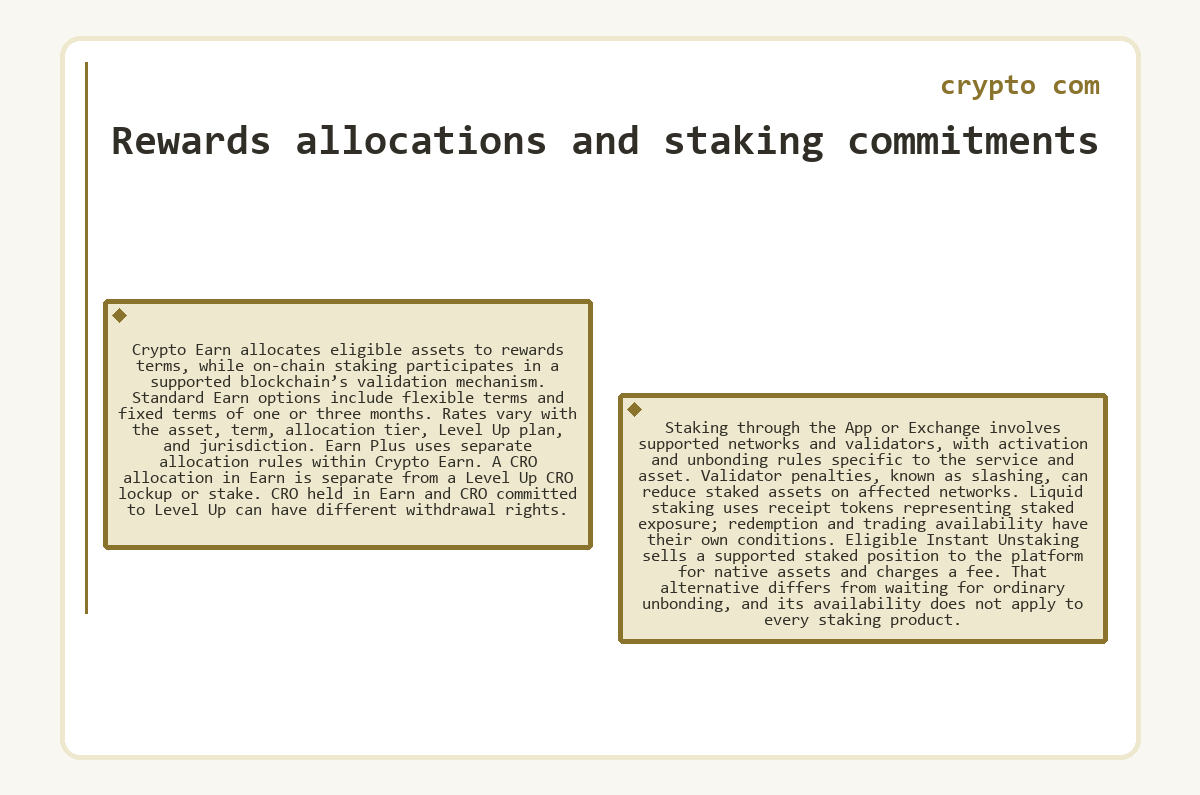
Crypto Earn allocates eligible assets to rewards terms, while on-chain staking participates in a supported blockchain’s validation mechanism. Standard Earn options include flexible terms and fixed terms of one or three months. Rates vary with the asset, term, allocation tier, Level Up plan, and jurisdiction. Earn Plus uses separate allocation rules within Crypto Earn. A CRO allocation in Earn is separate from a Level Up CRO lockup or stake. CRO held in Earn and CRO committed to Level Up can have different withdrawal rights.
Staking through the App or Exchange involves supported networks and validators, with activation and unbonding rules specific to the service and asset. Validator penalties, known as slashing, can reduce staked assets on affected networks. Liquid staking uses receipt tokens representing staked exposure; redemption and trading availability have their own conditions. Eligible Instant Unstaking sells a supported staked position to the platform for native assets and charges a fee. That alternative differs from waiting for ordinary unbonding, and its availability does not apply to every staking product.
Private keys and Onchain applications
The Onchain wallet gives its holder private-key control and access to supported blockchain applications, including swaps, staking integrations, and compatible NFTs. Network transactions incur blockchain fees, and the fee asset follows the network that processes the transaction. Wallet support does not establish that the App or Exchange accepts the same asset on the same network. Sending crypto into a custodial account therefore requires that account’s supported deposit details, including a memo or destination tag when necessary.
A recovery phrase can restore the wallet on another device and gives whoever possesses it control over its funds. Account support cannot replace that phrase when no usable wallet access remains. Application connections also introduce contract permissions: an approval can authorize a contract to spend a token balance. The transaction’s requested permission matters alongside its immediate purpose. Disconnecting a wallet from an application leaves existing token approvals active. Revoking an approval changes that permission and incurs a blockchain transaction fee.
Eligibility and withdrawal safeguards
Access follows each product’s jurisdictional rules and verification requirements, so an App account does not establish eligibility for every Exchange market or rewards service.
Custodial services require identity verification and account security controls. External App withdrawals require an approved destination address and the applicable authentication. An enabled 24-hour withdrawal lock delays withdrawals to newly added addresses; it does not impose that delay on every withdrawal. A request acknowledgment confirms receipt of the request, while later processing and blockchain confirmation establish further progress. Keeping crypto within a custodial account avoids managing blockchain transactions for every internal action. Moving it to Onchain provides direct control of keys, with network fees and recovery responsibilities attached.
Details worth knowing about Crypto.com
Can I use Crypto.com Onchain without opening an App account?
Crypto.com Onchain works without a Crypto.com App account because they are separate applications. You can create a wallet or import an existing compatible wallet without linking a custodial account. Connecting the applications is optional and provides a transfer connection. Regional availability still applies to the wallet, and external transfers remain blockchain transactions with their applicable network fees.
Why can a crypto deposit remain pending after it appears on the blockchain?
A deposit can remain pending while it awaits the required network confirmations or information required under the Travel Rule. A blockchain transaction record does not establish that the App has credited the deposit. The applicable confirmation requirement varies by network. Where additional transfer information is necessary, the deposit notification can request it before processing continues.
Does the App provide downloadable transaction records?
The App can export token-wallet, cash-wallet, and supported card transaction records as CSV files. Each report covers a selected transaction category and a date range of up to three years. The download remains available for 30 days after export. These files cover the selected App records, so activity in a separate Exchange account requires its own trading records.
Is a rooted phone compatible with Crypto.com Onchain?
Crypto.com Onchain does not support creating a wallet on a rooted or jailbroken mobile device. These device modifications can expose recovery information and other wallet data to malicious software.
Do merchants have to replace their existing payment gateway to accept Crypto.com Pay?
Merchants can add Crypto.com Pay alongside their existing payment gateways. The integration adds another checkout option, with supported plugins or other integration methods handling the connection. Merchant approval matters separately: live payment mode requires an approved account, while test-mode integration can be available before approval.
When can I withdraw a Crypto Earn fixed-term allocation?
Early withdrawal from an eligible Crypto Earn fixed-term allocation returns the original deposit minus rewards already paid during that term. CRO fixed-term allocations do not permit early withdrawal. At the end of a fixed term, the allocation returns automatically to the App’s token wallet. These rules concern Crypto Earn allocations, not separate Level Up CRO commitments or on-chain staking balances.